
signaturesatori_logo-compressed
cloud_downloadFree trial
Tour
Pricing
Blog
Contact
Log in

How to insert signature before the quoted text

November 30, 2020Google Workspace, Tips & tricksdavid

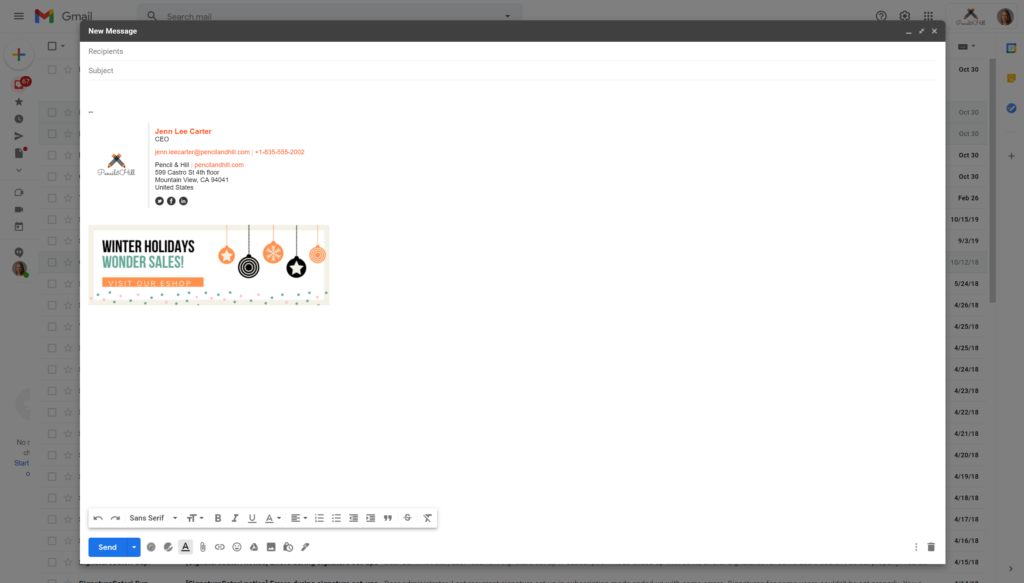
By default, your signature in Gmail is under the quoted text. So in replies, it shows at the end of the whole message, not at the end of your response.

If you wish to have your signature directly under your reply, please follow this procedure

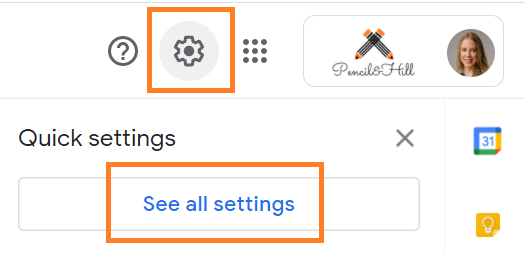
1) Click on the Settings button and select See all settings
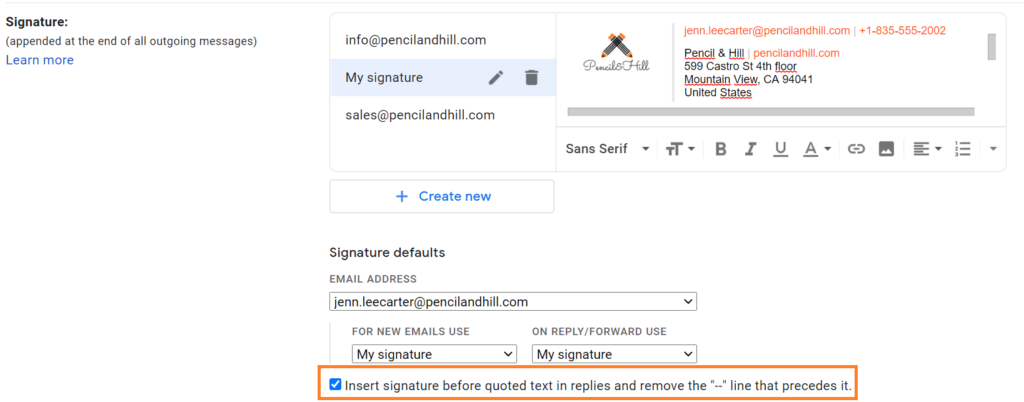
2) Now, scroll down to section Signature:

3) Check the box next to Insert signature before quoted text in replies and remove the “–” line that precedes it.
4) Scroll down and click Save changes

Previous post G Suite is now Google Workspace – What does that mean to your SignatureSatori account? Next post Autumn update 2020

Recent Posts

  • A signature font that best describes your character
  • The neverending story of choosing the right email ending
  • Three basic settings in Google Workspace that prevent your emails from ending up in spam
  • Uplift your Holiday spirit in your signature
  • Bringing Festive Cheer to Your Email Signature: Creative Banner Ideas

Categories

  • Brand consistency
  • Case study
  • Email management
  • Google Workspace
  • Marketing
  • New Features
  • Tips & tricks
  • Uncategorized
Home | Product tour | Pricing | Contact | Refund policy | Terms of service | Reseller program
Copyright © AppSatori 2023 ⋅ We use cookies. By using this site you agree. Learn more in privacy policy.