Template editor overhaul
Collecting and evaluating feedback about the Template editor lead us to undertake extensive changes in the ways it can be utilized. The content elements can be now assigned Styles, making adjustments and creation of new templates even easier.
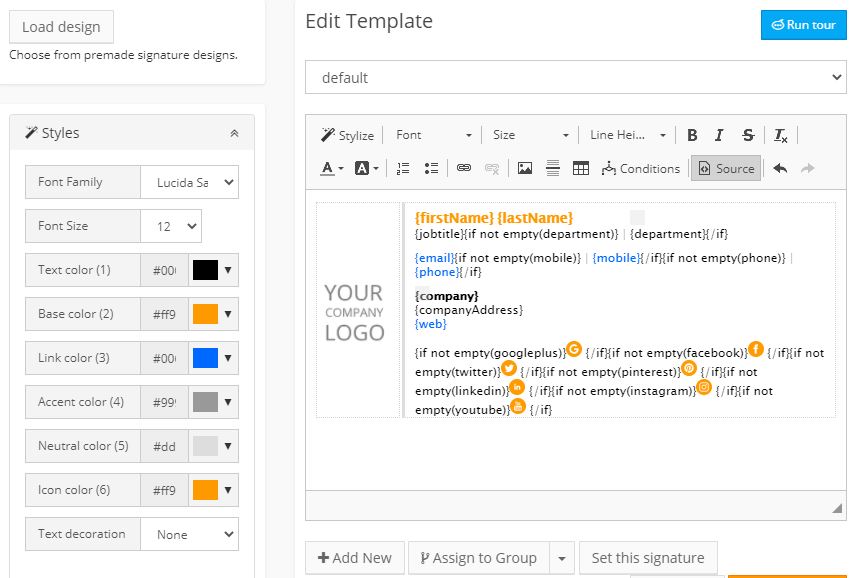
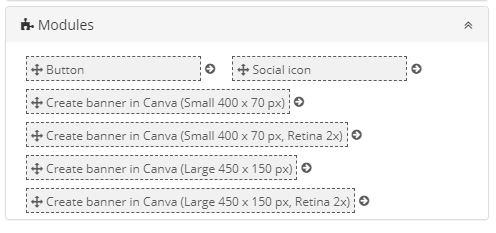
You can use preformatted, stylized content blocks. Simply drag the version of the element you want & drop it where you choose in the template.
Last year saw an unprecedented increase in methods and volume of online communication. As a result, one of the frequent requests from our clients was for help with the addition of social media icons destinations, scheduling apps, etc. to their signatures. And that is why we have included an extensive variety of icons into the editor. You can choose from different sizes, shapes and give them any color that will fit your design.

The same principle can be used to enrich your templates and marketing with images directly from Canva. One of the most popular tools online for the creation of collages, flyers, and banners – now integrated into SignatureSatori.